
Why use tech to keep tabs on your money

Tracking finances with technology isn’t about becoming a spreadsheet wizard—it’s about letting well‑designed tools do the heavy lifting while you make smarter choices. With personal finance apps pulling in transactions automatically, you see where your cash actually goes without manual drudgery. Think of it like turning on headlights in fog: once your spending is illuminated, decisions get easier. The trick is picking tools that fit your habits, setting up a simple routine, and resisting the urge to overcomplicate things. Do that, and tech stops being a distraction and starts acting like a quiet, reliable assistant.
Tools you actually need
Accounts and data connections
Start with the basics: online access to your bank, credit cards, and investment accounts. Most institutions support secure syncing through open banking or similar standards, which lets apps import transactions and balances. The goal is coverage, not perfection—getting 90% of your financial life connected is plenty to begin. If you use cash occasionally, plan a quick way to log it on your phone so it doesn’t vanish from the picture. With a clear feed of income and expenses, patterns emerge quickly, and you won’t be stuck typing every latte into a ledger.
Apps and software choices
You don’t need a dozen apps; one or two will do. A good expense tracker app should categorize transactions automatically, allow custom categories, and show trends without burying you in charts. If you prefer more structure, look for the best budgeting apps that support envelopes or zero‑based planning, so every dollar gets an assignment. Fans of desktop workflows might lean toward budgeting software for personal finance with robust reporting and local backups, while on‑the‑go types usually prefer cloud sync across devices. Whatever you pick, ensure it can grow with you—think multiple accounts, shared budgets, and goal tracking—so you won’t migrate again in three months.
Automations, alerts, and integrations
Automation keeps momentum when life gets noisy. Money management apps can ping you before bills are due, flag unusual spending, and sweep cash into savings the moment your paycheck lands. Calendar reminders help during the first weeks while habits form. If you love workflows, integrations with calendars, email, or task apps can surface financial tasks at the right moment. But don’t automate so much that you stop looking; aim for alerts that prompt action—like “rent due in 3 days” or “subscription jumped 30%”—not a firehose of notifications you’ll just swipe away.
Step‑by‑step process
From setup to steady rhythm
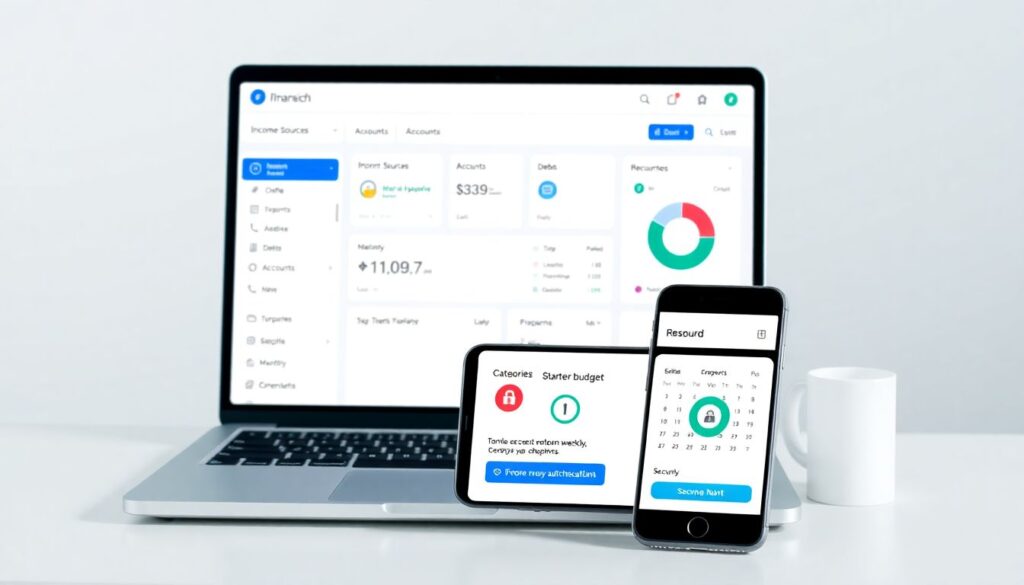
- Map your money: list income sources, accounts, debts, and recurring bills.
- Connect accounts and import the last 90 days of transactions.
- Customize categories to match your life, then set a simple starter budget.
- Create weekly and monthly review rituals with clear checkpoints.
- Secure your setup with strong passwords, MFA, and reliable backups.
First, sketch your financial landscape: where does money come from, where does it go, and what absolutely must be paid each month? Next, connect accounts and pull recent history so your app can auto‑classify. Tweak the default categories—merge duplicates like “Dining” and “Restaurants,” add ones you actually use, and remove fluff. Set a no‑stress starter budget using last month’s spending as a baseline. Then, pick a review cadence: 10 minutes each Sunday to categorize and check bills, and a 20‑minute monthly recap to adjust limits and set next month’s goals. Finally, lock it down with unique passwords, multi‑factor authentication, and an export or backup habit.
Categorize once, benefit for months
Good categories act like signposts. Keep the list short enough that you can name it from memory—think “Groceries, Dining Out, Transport, Housing, Utilities, Subscriptions, Fun.” When you fix a mis‑categorized transaction, train the app’s rules so future items land correctly. Many personal finance apps can remember merchant patterns (e.g., your gym always goes to “Fitness”). Don’t chase perfection; if 95% is right, you’re in great shape. The payoff is clarity: you’ll see that “Subscriptions” crept from $28 to $51, or “Dining Out” spikes during travel weeks, giving you specific dials to turn.
Budget, goals, and nudges
Budgets aren’t handcuffs; they’re guardrails. Start with big rocks—housing, debt, savings—then divide what’s left among flexible categories. If you like structure, zero‑based budgeting makes every dollar do a job; if you prefer flexibility, a “target range” approach reduces guilt while still guiding choices. Tie budgets to goals: emergency fund, a new laptop, or crushing a high‑interest card. Let the app nudge you with mid‑month check‑ins: “You’re 70% through Dining with 40% of the month left.” Small course corrections beat end‑of‑month panic every time.
Common beginner mistakes (and how to dodge them)
Over‑automation without oversight
New users often switch on every rule and alert, then stop paying attention. Automation is a helper, not a pilot. If your app files transactions silently, schedule a quick weekly glance to confirm nothing weird slipped through—like a duplicate or a surprise fee. Keep alerts meaningful: a low‑balance ping matters; twelve category nudges do not. The sweet spot is letting the system do routine work while you make the calls only a human can, such as canceling an overpriced subscription or negotiating a bill.
Ignoring cash and peer‑to‑peer payments
Cash withdrawals and P2P transfers can blur your picture. Pulling $100 from an ATM and never categorizing how it’s spent turns your reports into Swiss cheese. Same for peer‑to‑peer apps if you treat them like black boxes. Fix it by logging cash in your expense tracker app with a single split (e.g., $60 Groceries, $40 Dining) and tagging P2P inflows/outflows correctly so they don’t look like “new income.” A tiny habit here preserves the integrity of your totals.
Category sprawl and budget fatigue
When every coffee gets its own category, you’ll burn out. Too many buckets make reports noisy and reviews tedious. Trim to essentials and use tags for temporary themes like “Vacation 2025” or “Home Repair.” Start with conservative limits rather than aspirational ones; blowing past unrealistic numbers each month is demotivating. As you learn your true average, ratchet targets down gradually. Sustainable beats perfect.
Not reconciling with reality
Bank syncs fail, pending charges post later, and merchants batch transactions. If you never reconcile, your totals drift. Once a week, compare your app’s balances to your bank’s; if they differ, investigate: missing sync, duplicate import, or a pending hold. A two‑minute reconciliation prevents hours of confusion later and keeps trust high. Think of it like calibrating a compass before a hike—you’ll avoid wandering off course.
Chasing shiny features over fit
It’s tempting to hop between the best budgeting apps every month in search of the “perfect” dashboard. Frequent switches reset your learning curve and scatter your data. Commit to one tool for at least two full budget cycles. During that time, explore features with intent: rules, goals, or reports that answer real questions (“Can I afford a used car?”). If a feature doesn’t serve a decision you make, it’s just decoration.
Troubleshooting: when things go sideways
Sync issues and missing accounts
If an account won’t connect, try the basics first: update the app, relogin to the bank, and toggle multi‑factor prompts. Many providers throttle connections after repeated failures; waiting a few hours can resolve lockouts. If a small credit union isn’t supported, add it as a manual account and update weekly. Keep an eye on provider status pages; outages happen. Meanwhile, your plan B is to import a CSV so your budget doesn’t stall.
Duplicates, pending charges, and refunds
Seeing double? Duplicates often appear when pending transactions post. Most money management apps have a setting to hide pendings or merge them automatically—turn it on. For refunds, tag them to the original category so reports net out correctly. If duplicates already slipped in, sort by amount and date to prune quickly, then set a rule to prevent repeats from that merchant. A five‑minute cleanup now saves you from skewed trend lines later.
Categories that never seem right
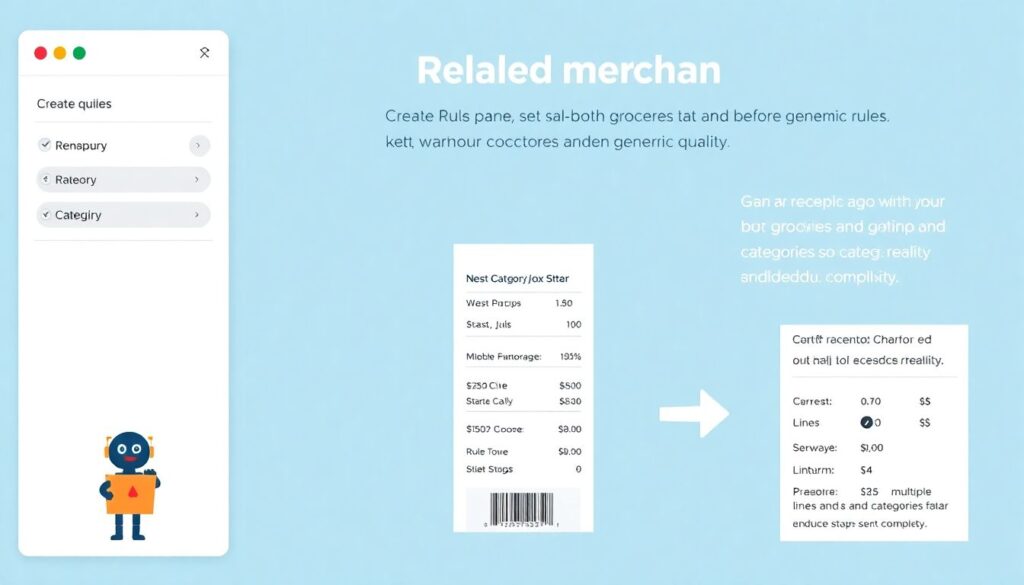
If the app keeps mislabeling a merchant, create a rule that sets both category and tag, and make it run before generic rules. Consider merchant quirks: a warehouse store might sell groceries and electronics; split large receipts so your data reflects reality. If auto‑categorization struggles, reduce category overlap—merging “Entertainment” and “Leisure,” for instance—so the algorithm has clearer choices.
Overdrafts and bill surprises
Overdrafts often stem from timing gaps—your paycheck lands after autopay hits. Add an alert for balances under a safe threshold and move due dates where possible. Keep a tiny buffer category—call it “Timing Cushion”—funded with at least one week of typical expenses. If a bill spikes, highlight it in your monthly review, then negotiate, switch plans, or shop providers. The win isn’t perfection; it’s learning fast and adjusting.
Privacy, security, and backups
Use a password manager, unique logins, and multi‑factor authentication on both your financial institutions and your apps. Review connected services twice a year and revoke anything you no longer use. Export your data monthly in case you switch tools later; many budgeting software for personal finance solutions allow encrypted backups. Security isn’t a one‑time checkbox—it’s a routine, like locking your front door without thinking about it.
Final nudge: keep it simple, keep it steady
Technology makes money tracking easier, but consistency is the real superpower. Pick tools that fit, build a light routine, and let automation handle the boring parts while you steer. With a clear view of spending and a few guardrails, your choices compound in the right direction—and that, more than any fancy chart, is what improves your finances over time.
Комментарии